Android APK install guide
How to install exvius-offline-v0.1.30.apk on Android 7.0+ (64-bit ARM), complete the 14.5 GB automatic data setup, and update in place without losing your save.
- OS: Android 7.0+ (64-bit ARM)
- APK: 106.4 MB
- Data download: ~14.5 GB
- Free space: ~18 GB
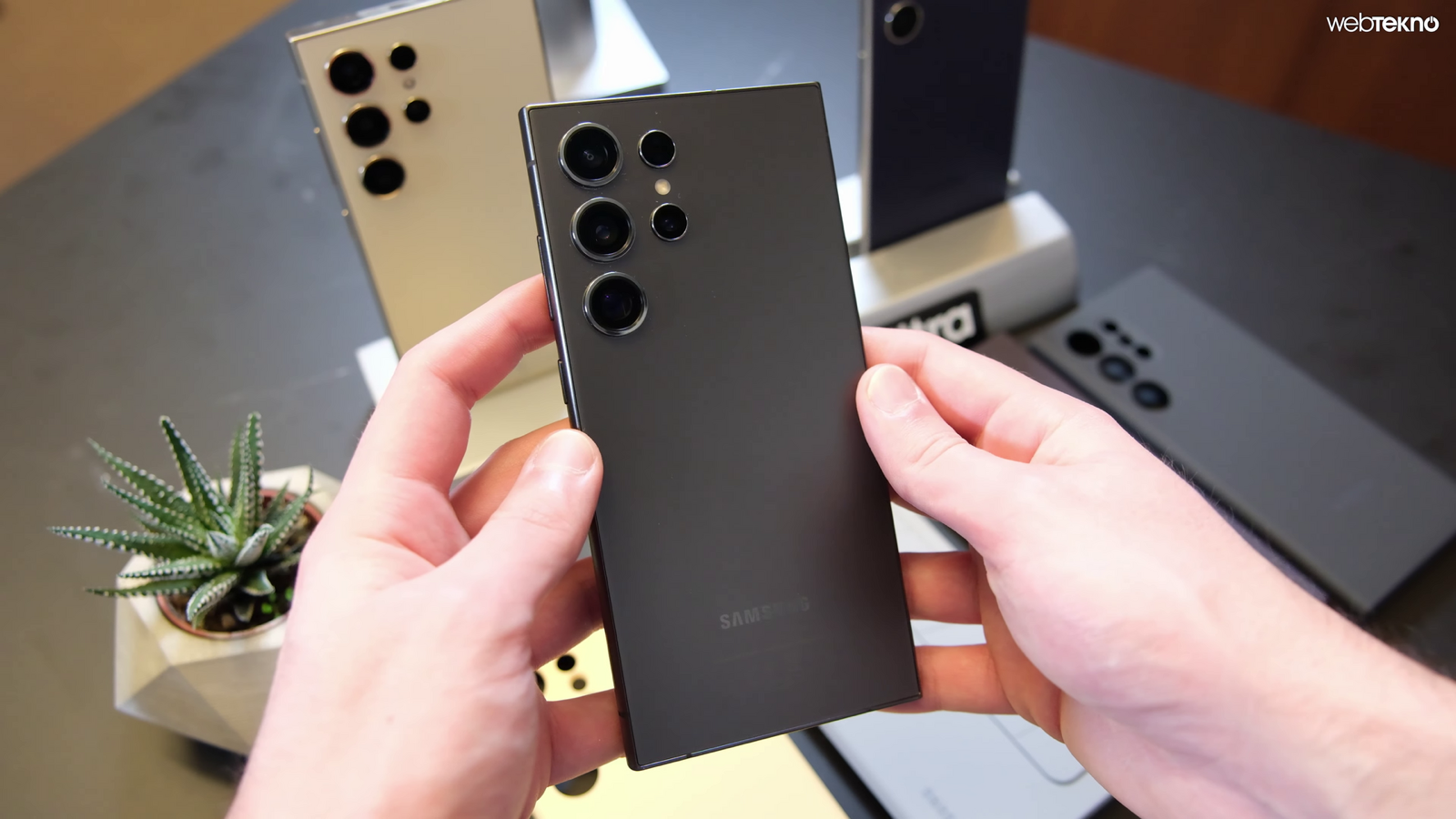
Android hardware & storage requirements
Before installing the APK from Elvlin/exvius-offline, verify that your phone, tablet, or Android handheld meets the baseline specifications:
- Operating system
- Android 7.0 (Nougat) or newer with 64-bit ARM (
arm64-v8a) support. - Android 16 support
- Includes compatibility mode for devices with 16 KB memory pages (added in
v0.1.21). - Android 8+ loader
- Preserves vendor caller namespace during native library loading (fixed in
v0.1.22). - APK installer size
exvius-offline-v0.1.30.apkis 106.4 MB (106,360,530 bytes).- First-run download
- About 14.5 GB fetched automatically from GitHub Releases on first launch.
- Free space required
- Allow at least 18 GB of free internal storage during setup so archives can unpack cleanly.
Step-by-step Android APK installation
- Download the latest APK: fetch
exvius-offline-v0.1.30.apk(106.4 MB) from Download & SHA-256 and check that its digest matches98875e7b8ebcd04794b36392…. - Install the package: open the downloaded
.apkfile on your Android 7.0+ device and confirm installation when prompted by Android’s package installer. - Launch online for initial setup: open Exvius Offline while connected to Wi-Fi or mobile data. The launcher automatically downloads all ~14.5 GB of preserved Global game data from GitHub Releases. You do not have to pick chapters or events separately.
- Resume if interrupted: if your connection drops or the screen sleeps and pauses the download, simply close and reopen the app—the downloader resumes from the last completed archive.
- Play 100% offline: once initial setup finishes, the app skips online checks whenever you have no connection and runs entirely from the files on your phone.
How to update without losing your save
Critical rule: Never uninstall Exvius Offline before installing a newer version. Uninstalling the app erases Android’s app-specific storage containing your save and downloaded assets.
- In-app update prompt: when you open Exvius Offline with an internet connection, it checks GitHub Releases. If a newer APK or incremental data pack (such as
data-r4–data-r9) is available, changed data downloads in the background and applies the next time you close and reopen the app. - Manual APK update: download the newer
exvius-offline-v0.1.XX.apkand install it directly over the existing app. Your campaign progress, Lapis balance, units, and the 14.5 GB data directory are preserved automatically. - Self-repairing client assets: since
v0.1.21, if the launcher cannot open its downloaded client asset pack, it repairs only that damaged segment without resetting your save or re-downloading the full 14.5 GB archive.

Common questions
What should I do if the app says "Update check paused"?
That message appears on a fresh install if the app cannot reach GitHub Releases to pull the initial 14.5 GB game data (#73, #74). Check that your device has active internet access, disable strict firewall/ad-block rules blocking github.com or objects.githubusercontent.com, and reopen the app.
Does Exvius Offline work on 32-bit Android phones?
No. The preserved native game library requires a 64-bit ARM (arm64-v8a) environment running Android 7.0 or newer.
Why does initial startup take around a minute on some phones?
On launch, the engine mounts the local data tables and indexes event/summon records. Subsequent launches offline skip the GitHub check and boot straight into the local files.