PC & Windows setup guide
Configure 64-bit ARM Android emulators on Windows 10/11 and Linux Waydroid for exvius-offline-v0.1.30.apk, or host the Docker server on your PC.
- ABI required: arm64-v8a (64-bit)
- Virtual disk: 20 GB+ free
- Aspect ratio: 16:9 portrait rec.
- Docker host: Win / Mac / Linux
Two ways to run Exvius Offline on PC
While Elvlin/exvius-offline distributes its standalone client as a 64-bit Android package (exvius-offline-v0.1.30.apk, 106.4 MB), desktop players on Windows 10/11, Linux, and macOS use two proven setups:
- 64-bit Android Emulator on Windows or Linux: runs
exvius-offline-v0.1.30.apkdirectly with full offline self-containment after the initial 14.5 GB download. - Docker Python Server on Windows, Linux, or macOS (
CreamySeaman6/Exvius-revival-ios): runs the Python game server (/app/ffbe.py) inside Docker Desktop or Docker Engine, serving iOS devices over Tailscale and providing CLI tools for banner rotation and save management.
Method 1: Windows 10/11 & Linux Android emulator setup
Because the preserved native library is compiled for 64-bit ARM (arm64-v8a), 32-bit Android emulators will refuse to install the APK. Choose a 64-bit instance from the matrix below:
| Emulator / Runtime | Required Instance Type | CPU & Memory | Storage & ABI Notes |
|---|---|---|---|
| BlueStacks 5 (Windows 10/11) | Create a Pie 64-bit or Android 11 64-bit instance via Multi-Instance Manager | 4 Cores / 4–8 GB RAM | At least 20 GB free on drive; ABI set to ARM64 |
| MuMu Player 12 (Windows 10/11) | Default 64-bit Android 12 environment with Vulkan rendering | 4 Cores / 4 GB+ RAM | Expand virtual disk ceiling above 32 GB before first launch |
| LDPlayer 9 (Windows 10/11) | 64-bit Android 9 instance with ARM64 translation enabled | 4 Cores / 4 GB+ RAM | Keep standard portrait aspect ratio (16:9 or 18:9) |
| Waydroid (Linux / SteamOS) | Native container on Linux desktop or Steam Deck with libndk / libhoudini ARM64 translation | Shared host RAM | Uses ~/.local/share/waydroid; zero VM hypervisor overhead |
Step-by-step PC emulator installation
- Download
exvius-offline-v0.1.30.apk(106.4 MB) from Download & SHA-256 and verify its SHA-256 digest. - Launch your 64-bit emulator instance and set its display resolution to a standard phone portrait ratio (such as
1080x1920or900x1600). Whilev0.1.8,v0.1.9, andv0.1.24fixed stretched CG movies and tall-screen exploration bars, standard 16:9 portrait avoids town fast-travel buttons sitting behind the bottom bar (#65). - Drag and drop
exvius-offline-v0.1.30.apkonto the emulator window (or runadb install -r exvius-offline-v0.1.30.apk). - Open Exvius Offline and let the 14.5 GB automatic download finish. When a newer APK is released, drag the new APK over the same instance so it updates in place without wiping your save.
Method 2: Docker server on Windows PowerShell, macOS & Linux
If you host CreamySeaman6/Exvius-revival-ios on Windows 10/11 with Docker Desktop, follow these PowerShell steps:
mkdir exvius
cd exvius
git clone https://github.com/CreamySeaman6/Exvius-revival-ios.git repo
cd repo/ios-server
cp .env.example .env
notepad .env   # paste your TS_AUTHKEY
docker compose build
docker compose run --rm server fetch-data
docker compose up -d
Windows CRLF line-ending fix (Issue #1): If git clone on Windows converts shell scripts to CRLF (`\r\n`) and docker compose run --rm server fetch-data fails with an entrypoint.sh execution error, run git config core.autocrlf input, re-checkout the repository (or convert ios-server/entrypoint.sh to LF line endings in VS Code / Notepad++), and run docker compose build again.
Controllers for PC Emulators & Mobile Play
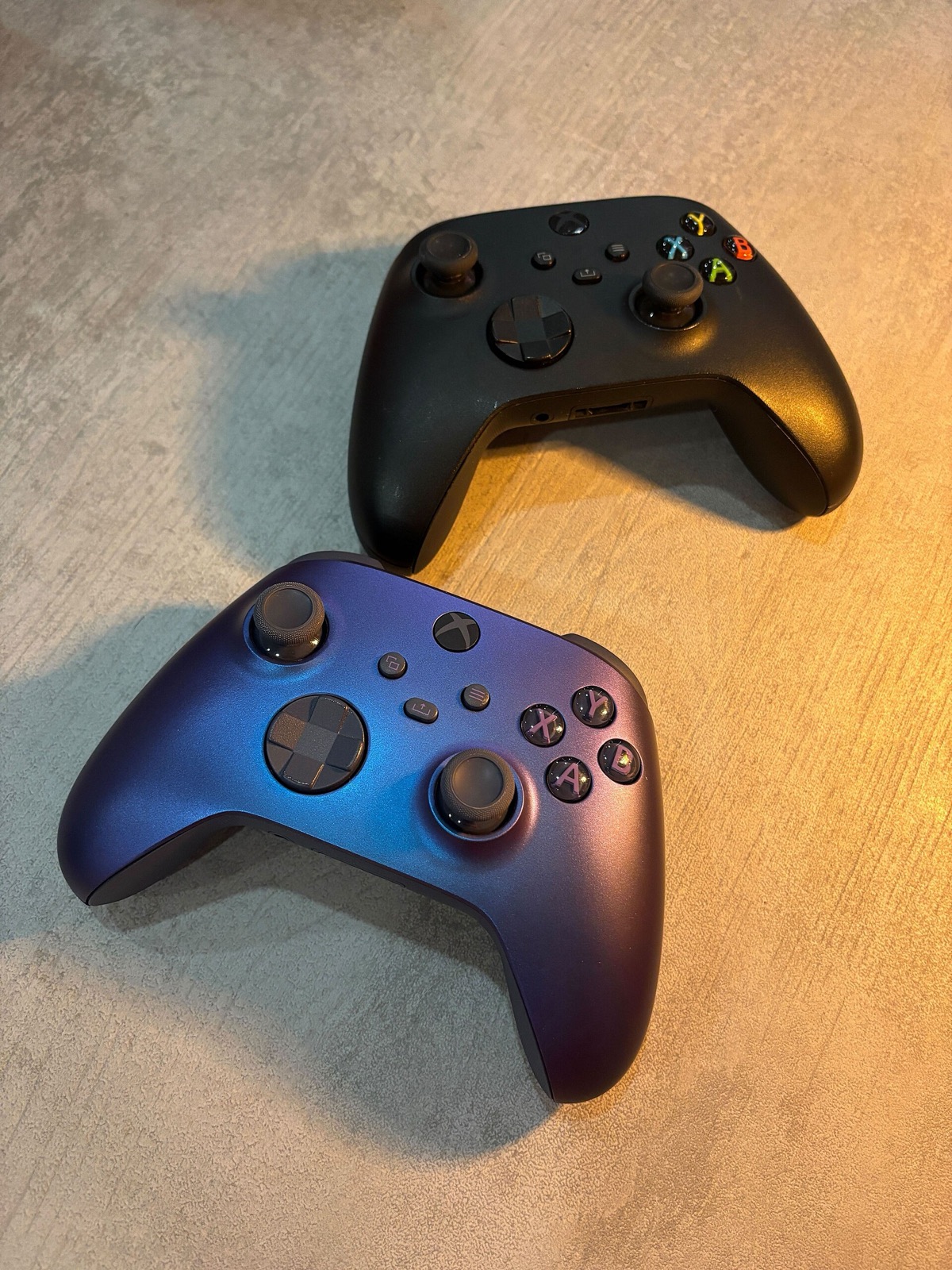
When playing Exvius Offline on Windows 10/11 Android emulators (BlueStacks 5, MuMu Player 12, LDPlayer 9), Linux Waydroid, or mobile key-mapping setups, these controllers pair cleanly over USB and Bluetooth:
| Controller | Best For in Exvius Offline | Hardware Advantage | Link |
|---|---|---|---|
| GameSir Cyclone 2 | PC emulator macro & chain timing | TMR sticks, Hall/microswitch triggers, 1000 Hz wireless dongle | View on Amazon |
| 8BitDo Ultimate 2 Wireless | Desktop Windows & Android dock | TMR sticks, charging dock, instant 2.4 GHz / Bluetooth switch | View on Amazon |
| Sony DualSense | iOS, Android & PC Bluetooth play | Native iOS/Android Bluetooth support + crisp D-pad for menu navigation | View on Amazon |
| Xbox Wireless Controller | Plug-and-play Windows & Android | Direct XInput & Android HID recognition for emulator keymapping | View on Amazon |
As an Amazon Associate, this site earns from qualifying purchases.

Common questions
Why does BlueStacks say "App not installed" or "Incompatible with your device"?
You are running a 32-bit Nougat instance. Open BlueStacks Multi-Instance Manager, click Instance -> Fresh instance -> Pie 64-bit (or Android 11 64-bit), set ABI setting to ARM 64-bit, and install the APK there.
How much disk space does an emulator need on my Windows C: or D: drive?
Allow at least 20 to 25 GB of free host disk space: the APK downloads 14.5 GB of data archives and needs roughly 3.5 GB of temporary headroom while unpacking them.
Can I play Exvius Offline on a Steam Deck?
Yes. On SteamOS Desktop Mode, install Waydroid with ARM64 translation (libndk) and install exvius-offline-v0.1.30.apk via adb install, or stream from a desktop emulator.